Re: A simple program needed, please.
Posted: Tue Feb 07, 2023 6:30 pm
The video 1 plays at the beginning.
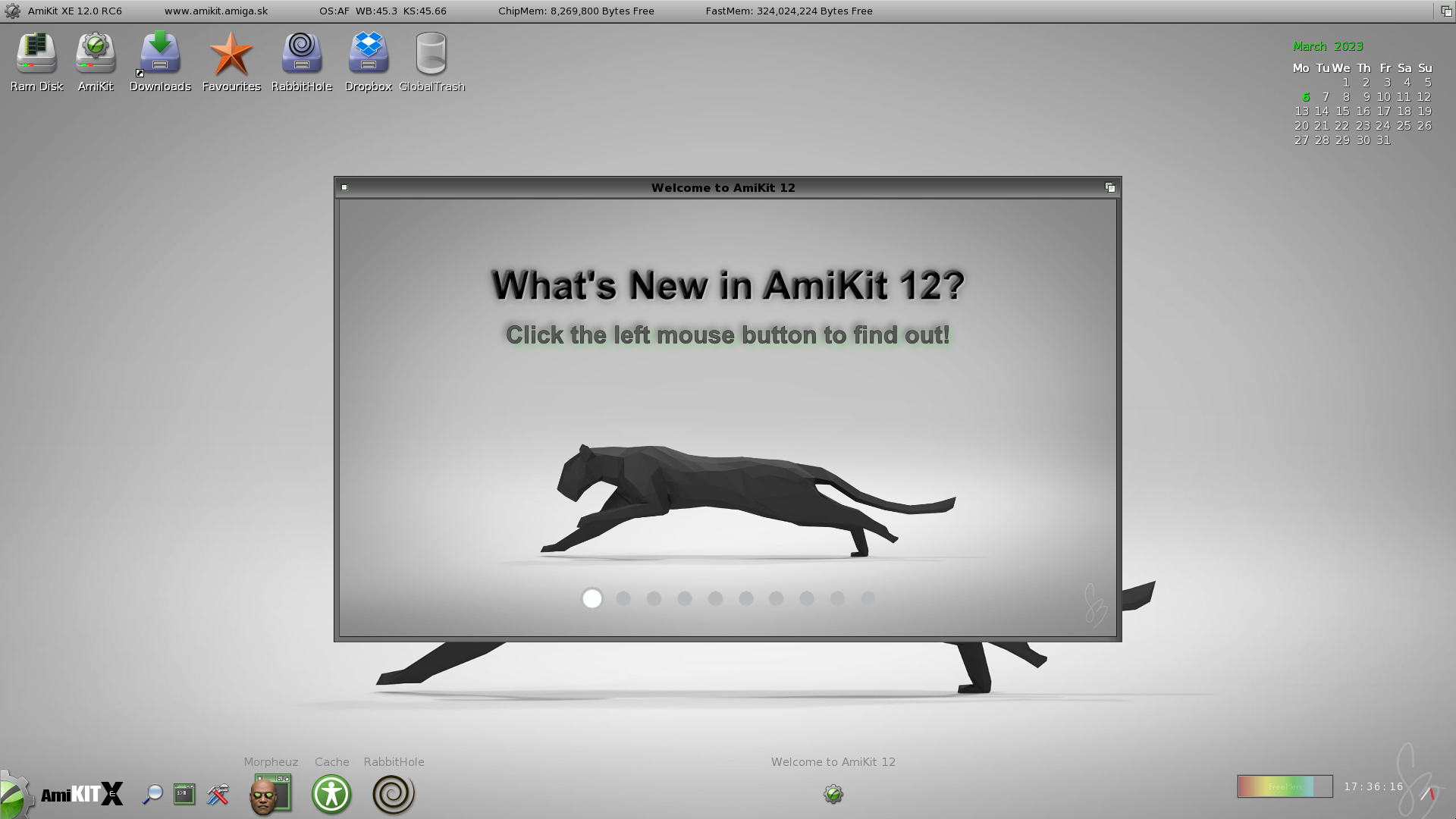
Then the slideshow is shown.
And then video 2 is played if the users closes the program.
Reading the documentation I learnt that the events are accumulated in a queue, so I guess I need to clear all events before the slideshow is started. But is seems that ClearEvents() command is obsolete. Do you know what's the replacement for it? The documentation is not clear enough about it.
Meanwhile I used SetEventTimeout(0) before the video 1
and SetEventTimeout(30) after it's finished. It works!
PS: Oh, and I exchanged the CheckEvent command for WaitEvent and keeps working, and it is less CPU demanding now I guess.
Then the slideshow is shown.
And then video 2 is played if the users closes the program.
Reading the documentation I learnt that the events are accumulated in a queue, so I guess I need to clear all events before the slideshow is started. But is seems that ClearEvents() command is obsolete. Do you know what's the replacement for it? The documentation is not clear enough about it.
Meanwhile I used SetEventTimeout(0) before the video 1
and SetEventTimeout(30) after it's finished. It works!
PS: Oh, and I exchanged the CheckEvent command for WaitEvent and keeps working, and it is less CPU demanding now I guess.